Category: Incident
Issue: When attempting to print a timesheet, Error 401 occurs.
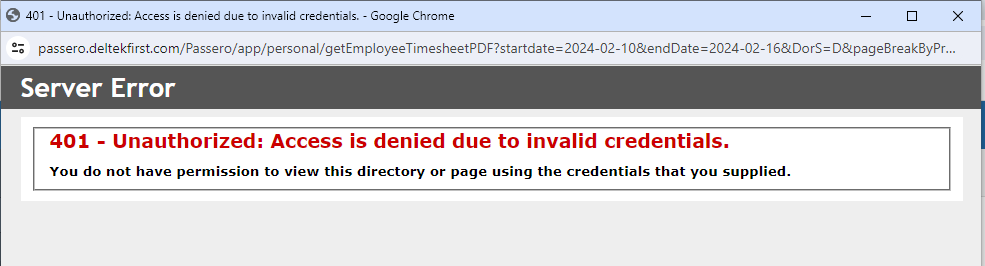
Cause: This error is typically browser-related.
Resolution: Use a different browser to print the timesheet.
Steps to Resolve:
✅ Step 1: If using Google Chrome, switch to Microsoft Edge or another supported browser.
✅ Step 2: Retry printing the timesheet in the new browser.
Expected Outcome: Timesheet prints successfully without Error 401.
Was this article helpful?
That’s Great!
Thank you for your feedback
Sorry! We couldn't be helpful
Thank you for your feedback
Feedback sent
We appreciate your effort and will try to fix the article